New: The CRE Broker AI Visibility Checklist. Download →


CRE Technology
Commercial Real Estate CRM Software: Platforms, Use Cases, and Tradeoffs
Table Of Contents
Share post


Commercial real estate teams do not all need the same CRM.
A national brokerage evaluating Salesforce will have very different requirements from a boutique investment sales team, an owner/operator trying to track leasing activity, or a marketing-led team that needs better visibility into property inquiries and campaign engagement.
That’s why this comparison is organized by use case, not by a universal ranking.
Instead of asking “What is the best commercial real estate CRM?” the better question is:
Which CRM fits the way our team manages relationships, deals and campaigns?
This comparison reviews common CRM options for commercial real estate teams, including enterprise CRMs, CRE-specific platforms, lightweight sales CRMs, and marketing-led lead management systems. It is designed to help you understand where each platform fits, what it is strongest at, and what tradeoffs to consider before shortlisting vendors.
Related guide: If you are still defining requirements, read our companion article, How to Choose a Commercial Real Estate CRM, for a deeper framework on CRM selection criteria, internal alignment, and implementation planning.
Editor’s note: SharpLaunch provides commercial real estate marketing, lead management, reporting, and property website tools. This comparison includes SharpLaunch where relevant, but the goal is to help CRE teams understand the broader CRM landscape and decide which type of platform fits their needs.
Quick Picks: CRM Platforms by CRE Use Case
- Large enterprise brokerage: Salesforce
- Already using Hubspot for marketing: HubSpot
- Small team or solo broker: Zoho CRM, Pipedrive
- Brokerage requires deal tracking: Dealius, RETthink, Ascendix
- Marketing-led teams: SharpLaunch
A good CRM should fit your current workflow while giving your team room to grow. A system that is too lightweight may not support complex CRE relationships. A system that is too complex may never get adopted by brokers.
What Makes Commercial Real Estate CRM Different?
Most generic CRMs are built around a simple sales process: contact, company, deal, task, close.
Commercial real estate is more complicated.
CRE teams often need to manage:
- Property-level relationships
- Multiple contacts tied to the same company or asset
- Buyer, tenant, owner, landlord, and broker relationships
- Lease expirations and renewal opportunities
- Confidentiality agreement activity
- Offering memorandum and document downloads
- Property website inquiries
- Email campaign engagement
- Tour activity and follow-up
- Deal stages across leasing, sales, debt, or investment workflows
- Reporting for owners, asset managers, and leadership teams
That does not mean every CRE team needs a heavy enterprise CRM. It means teams should choose software based on the way contacts, properties, campaigns, and deals actually move through the business.
The CRM Mistake Many CRE Teams Make
Many commercial real estate teams start by asking, “Which CRM has the most features?”
That is usually the wrong question.
The better question is:
What information do we need to capture, and who needs to act on it?
For example, a landlord rep team may care less about a generic sales pipeline and more about which prospects viewed a property website, clicked an email campaign, or submitted an inquiry.
An investment sales team may need stronger deal tracking, CA tracking, buyer relationship history, and reporting.
A national brokerage may need a highly customized CRM with strict permissions, integrations, reporting, and governance.
A small team may simply need a clean way to track contacts, notes, follow-up tasks, and active deals.
The best CRM is the one your team will actually use, and the one that captures the right data at the right point in the workflow.
Commercial Real Estate CRM Comparison
The table below compares common CRM options by best-fit use case rather than ranking them as universally “best.” Pricing and features change often, so confirm current details directly with each provider before making a decision.
| CRM | Best For | CRE-Specific | Starting Price | Ease of Use |
|---|---|---|---|---|
| Salesforce | Enterprise brokerages | No | $25/user/month | Complex |
| HubSpot | Marketing-driven teams | No | Free – $800+/month | Moderate |
| SharpLaunch | All-in-one CRE platform | Yes | $439/month | Easy |
| Apto | CRE brokerages | Yes | $129/user/month | Moderate |
| ClientLook | Mid-sized CRE teams | Yes | $129/user/month | Moderate |
| REThink CRM | Large CRE firms | Yes | Custom pricing | Complex |
| AscendixRE | Teams using Salesforce or Dynamics | Yes | $79/user/month | Moderate |
| Apptivo | Budget-conscious teams | No | $20/user/month | Moderate |
| Freshsales | Sales-focused teams | No | Free – $39/user/month | Easy |
| Zoho CRM | Small teams & solo brokers | No | $14/user/month | Easy |
| Foundry | One-time purchase model | Yes | $2,000 one-time | Moderate |
| Pipedrive | Simple sales pipelines | No | $24/user/month | Easy |
Salesforce
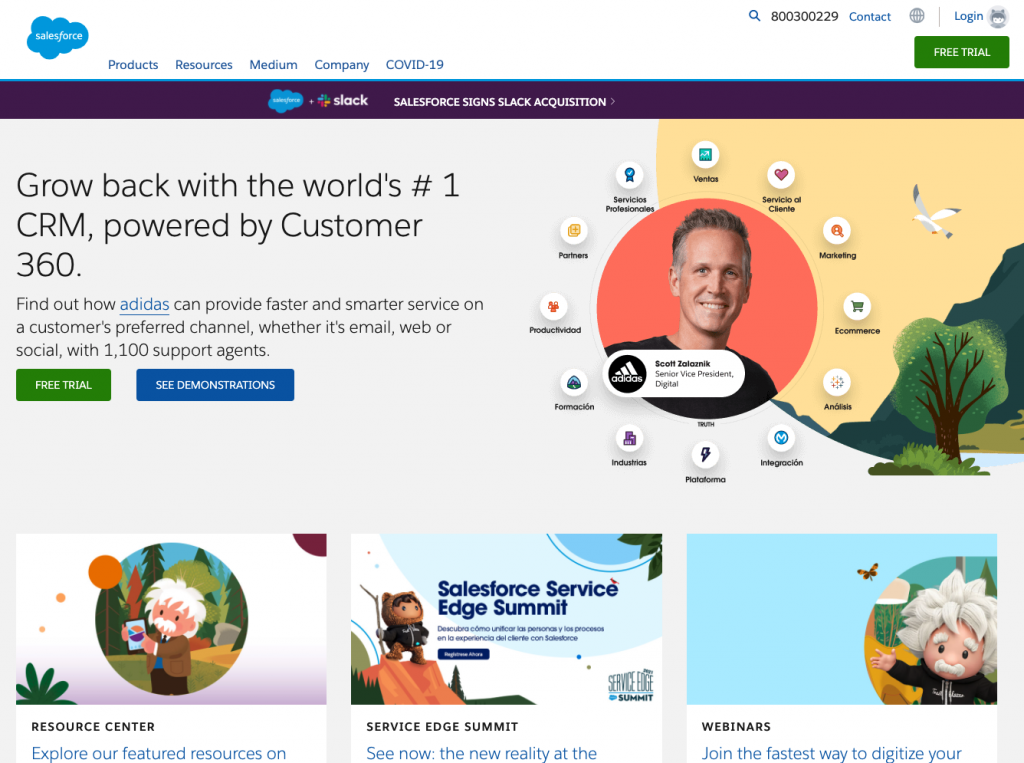
Salesforce sits at the top of almost every CRM comparison list, and for good reason: it is the most powerful, most customizable CRM on the market. With enough configuration and the right Salesforce developer or admin, you can build almost any workflow you need.
For commercial real estate firms, Salesforce can be configured to support contacts, companies, properties, opportunities, broker activity, reporting, and custom workflows. It can also integrate with a wide range of marketing, data, analytics, and back-office tools.
Best fit: Large CRE firms, enterprise brokerages, owner/operators, and teams with internal CRM administration resources.
Strengths:
- Highly customizable
- Strong reporting and dashboard capabilities
- Large integration ecosystem
- Scales well for complex organizations
- Strong permissioning and workflow controls
Potential limitations:
- Requires configuration to fit CRE workflows
- Can become complex without strong administration
- Implementation and maintenance costs can be significant
- Broker adoption may suffer if the system is overbuilt
Good choice if: Your organization needs a flexible enterprise CRM and has the resources to configure and maintain it properly.
HubSpot
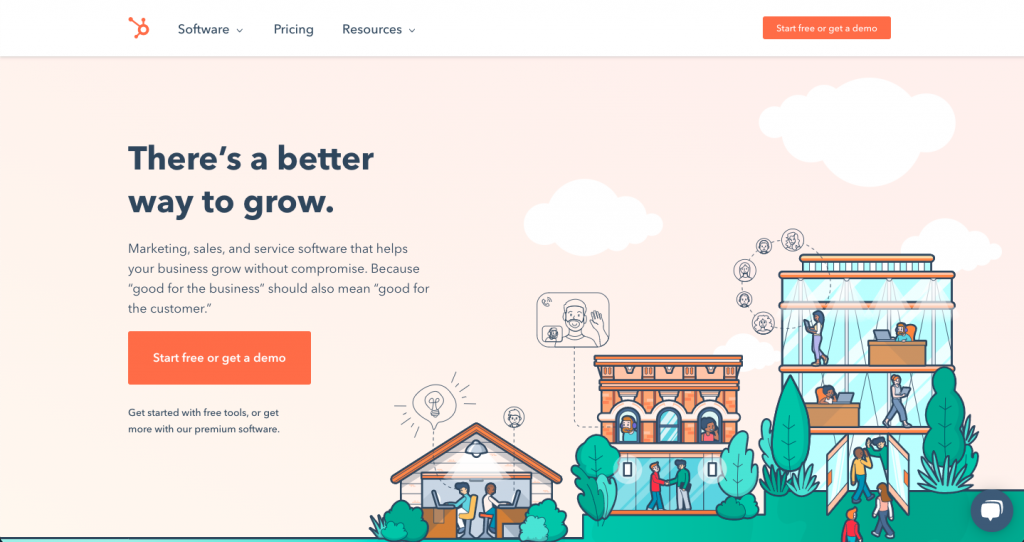
HubSpot combines CRM, marketing automation, sales tools, content management, reporting, and customer communication features in one platform.
For CRE teams, HubSpot can be useful when marketing and sales alignment is a major priority. It can help teams manage campaigns, landing pages, forms, email workflows, contacts, deals, and reporting.
Best fit: Teams that already rely heavily on marketing automation or want a CRM that is easy for sales and marketing teams to use together.
Strengths:
- Strong marketing and sales automation
- Clean interface and relatively easy adoption
- Useful email, form, landing page, and reporting tools
- Good fit for teams with broader inbound marketing needs
Potential limitations:
- Not built specifically for CRE property and deal workflows
- Costs can increase as contacts, seats, and hubs expand
- Property-level tracking may require custom setup
Good choice if: Your team wants a marketing-friendly CRM and is comfortable customizing it for CRE-specific needs.
SharpLaunch
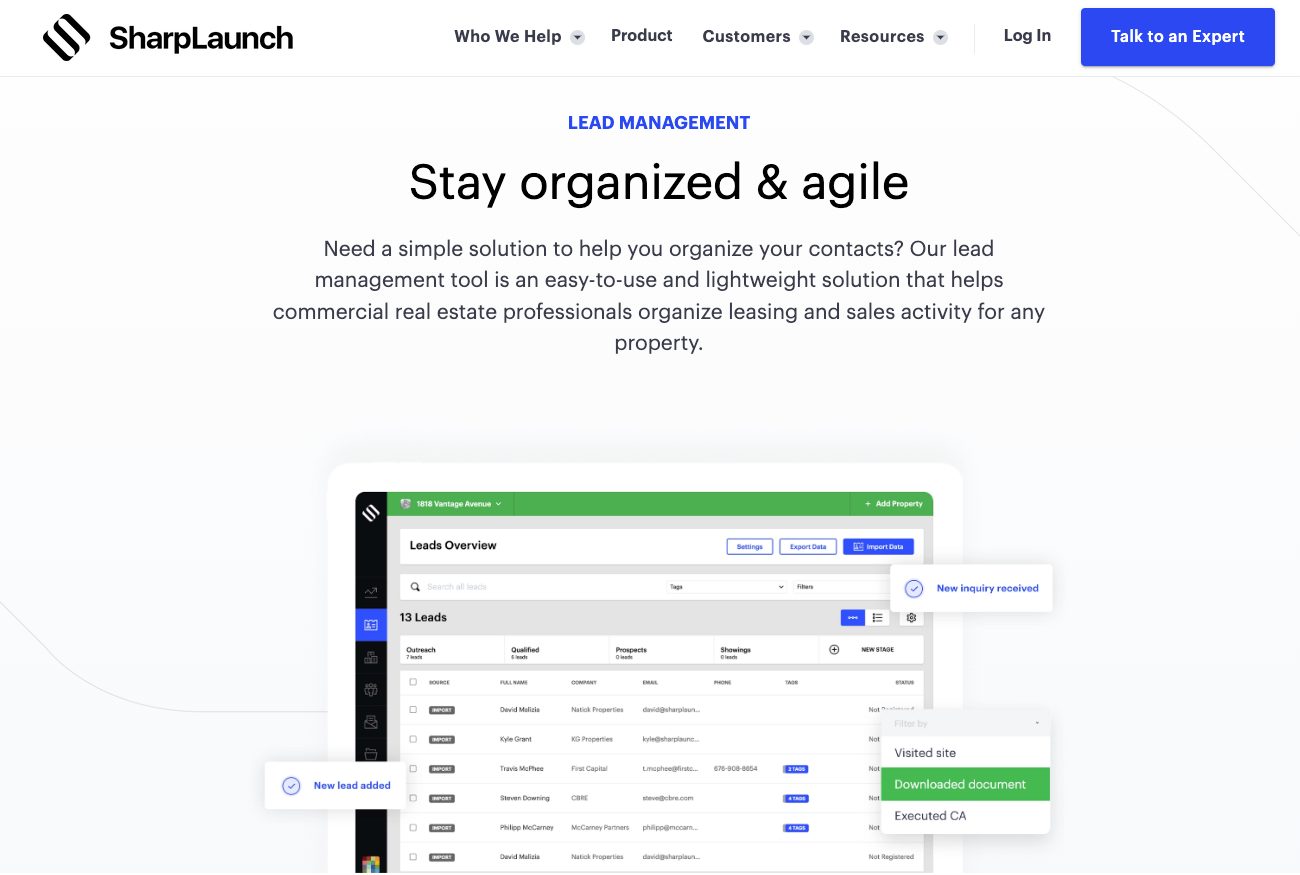
SharpLaunch is best understood as a commercial real estate marketing and Lead Management platform, not a traditional all-purpose enterprise CRM.
It helps CRE teams capture, organize, and understand prospect activity across property websites, email campaigns, document portals, confidentiality agreements, marketing reports, and related property marketing workflows.
That makes SharpLaunch especially useful for teams that want to connect marketing engagement with broker follow-up. For example, a broker can see whether a prospect submitted an inquiry, executed a confidentiality agreement, downloaded documents, or engaged with campaign emails before deciding how to prioritize outreach.
Best fit: CRE investment sales, leasing teams, and asset managers that want property marketing, lead capture, engagement tracking, and reporting in one platform.
Strengths:
- Built specifically around commercial real estate marketing workflows
- Captures website inquiries and property-level lead activity
- Tracks engagement across documents, email campaigns, and marketing assets
- Helps teams understand which prospects are engaging with specific properties
- Integrates with CRMs such as Salesforce, HubSpot, and Apto
- Useful for bridging the gap between marketing activity and broker follow-up
Potential limitations:
- Not intended to replace a deeply customized enterprise CRM for every sales operation
- Best suited for teams that need marketing-led lead intelligence, not just generic contact storage
- Fit depends on portfolio size, campaign volume, and existing CRM stack
Good choice if: Your team needs to improve how property marketing leads are captured, qualified, tracked, and handed off to brokers or sales teams.
Apto
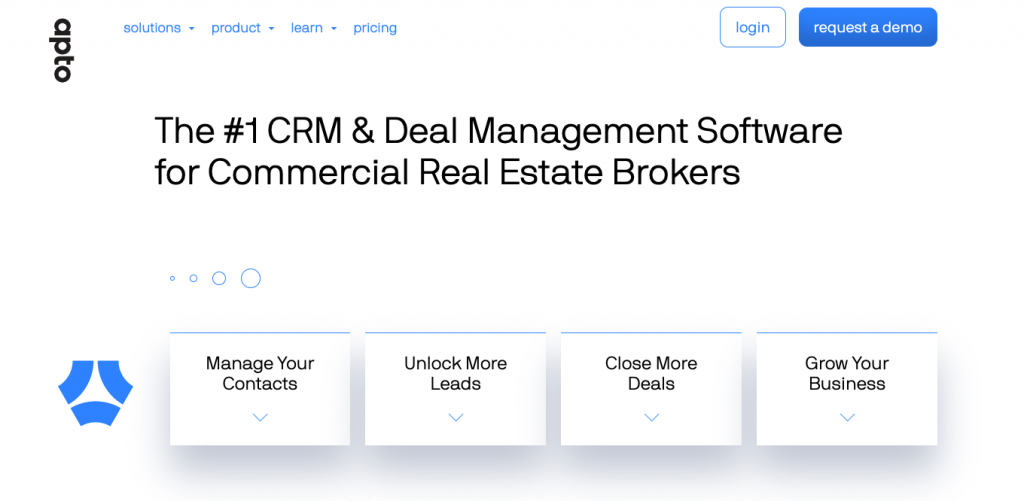
Apto is a commercial real estate CRM designed around broker workflows, including contacts, companies, properties, deals, tasks, and pipeline activity.
Because it is built on the Salesforce platform, it can offer CRE-specific functionality while benefiting from Salesforce’s underlying infrastructure.
Best fit: CRE brokerages that want a CRM built around broker activity and deal management.
Strengths:
- Purpose-built for commercial real estate brokers
- Supports contact, property, and deal workflows
- Built on Salesforce infrastructure
- Useful for tracking relationships and deal activity
Potential limitations:
- May require process discipline and training
- Best fit depends on whether your team wants a broker-centric CRM versus a broader marketing or enterprise system
Good choice if: Your brokerage wants a CRE-specific CRM focused on broker productivity and deal tracking.
ClientLook
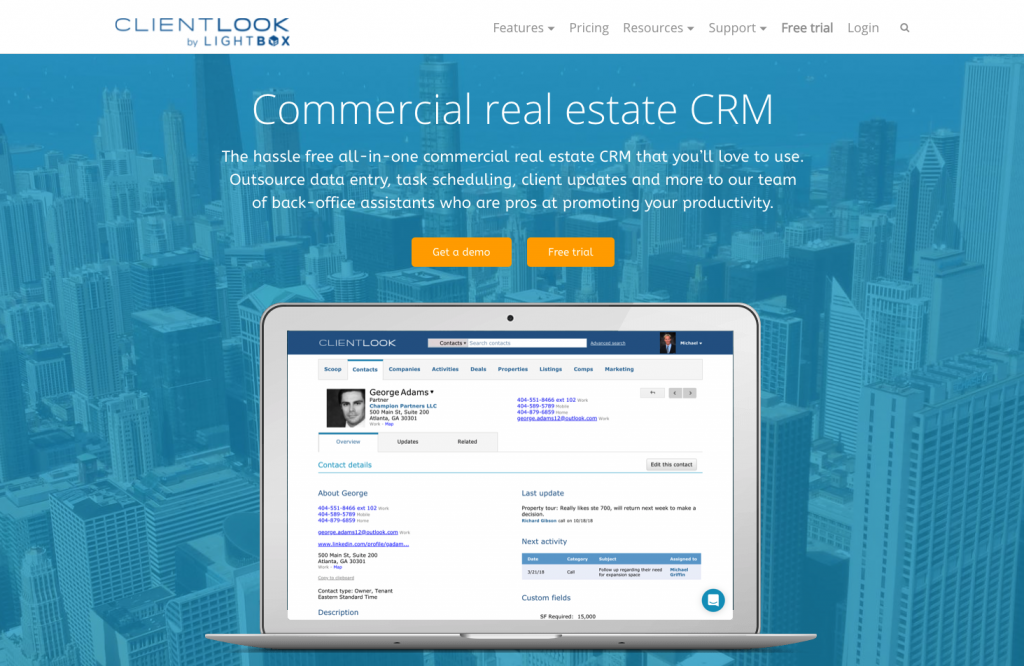
ClientLook, now part of LightBox, has historically served CRE teams with tools for managing contacts, properties, deals, tasks, notes, and broker activity.
It is designed for teams that want a CRM shaped around commercial real estate rather than a generic sales process.
Best fit: Small to mid-sized CRE teams that need contact, property, and deal management.
Strengths:
- CRE-specific contact and property management
- Deal and pipeline tracking
- Useful for broker relationship history
- Designed around day-to-day brokerage workflows
Potential limitations:
- May not be the best fit for teams that need advanced marketing automation or highly customized enterprise reporting
- Product fit should be evaluated in the context of the broader LightBox ecosystem
Good choice if: Your team wants a CRE-focused CRM for managing relationships, properties, and deals.
REThink
REThink (now part of Buildout) offers another Salesforce.com powered CRM option for commercial real estate companies, with full CRE database and prospect management support, deal pipeline features and reporting and analytics customized for the commercial real estate companies they work with.
Key Features
Key features of REThink include the following with a handful of additional features available at the Enterprise level for larger companies.
- Contact Management – The core CRM offers the power of Salesforce with customization for commercial real estate companies.
- CRE Database – Property management within the CRM, with the ability to integrate and tie each property to contacts, prospects, or deals in the system.
- Pipeline Management – Deal creation and management tools that tie to prospects, contacts, leases already in the system, and properties.
- Reporting and Analytics Tools – Reporting tools have been customized for CRE use, allowing you to drill into the information you care most about more easily.
- Customized Onboarding – REThink offers a robust onboarding process that takes 6-8 weeks. This allows the system to be catered to your business and populated with relevant information, with the appropriate training to support your efforts.
Pricing
REThink offers a monthly plan (when billed annually) for the Team and Office options for a minimum of four users.
Additionally, there is a single one-time flat fee charged for REThink Onboarding. Onboarding is assessed on a per-customer basis depending on your needs in the CRM and is mandatory for all users.
There is also a multi-office and enterprise plan designed for larger firms – pricing for these plans is provided on a request-only basis.
Best for
Enterprise Firms (robust customization, enterprise-level support).
AscendixRE
AscendixRE is a commercial real estate CRM option built on the framework of both Salesforce and Dynamics 365. AscendixRE includes Salesforce/Dynamics 365 license. Besides, brokers already using one of the two leading CRMs on the market, can quickly integrate with their current systems.
Key Features
AscendixRE CRM tool can be customized to the needs of your brokers. Ascendix performs all customizations using their own team.
There are three different plans for AscendixRE CRM tool, with the top tier offering advanced supped of Salesforce features. The core features include:
- Core Contact Management – Management of your contacts, activity tracking, property listing and lease tracking, deal and history tracking, all of them linked to one another to fit your tracking needs.
- Dashboard Management – Create and display dashboards for key information to members of your team in real time, track lease expirations and other essential information.
- Stacking Plans, Commission and Lease Tracking – Available as part of the Enterprise package, these advanced tools are powerful additions to any commercial real estate broker’s tool set.
- Automated Tasks – Lease expiration tracking, follow ups, workflows, tasks management automation, mass edits, mass emails.
- Email Integration – Easy integration for both Google and Outlook, MailChimp.
- Ascendix Search – a geo-search, multi-criteria tool to create lists of prospects, properties, analyze your CRM data, export it to Excel.
- Composer – The Composer allows you to generate custom collateral, brochures, and other documents your brokerage will be using by sourcing data and images from AscendixRE.
- Property Listing Portals, Deal & Collaboration Rooms – AscendixRE Unlimited users can automatically publish and update their listings, invite prospective clients to private Deal and collaboration rooms.
- Concierge Service – All Enterprise and Unlimited users can delegate contact management, data entry to Ascendix team at no additional cost.
Because of the variable nature of the AscendixRE plans, the best solution will depend on the size of your company and the way in which you want to interact with your data.
The Salesforce integrated solution, for example, offers no seat minimums and a lower entry price point per user. Also, it has special editions for Capital Markets, Land Brokers, Property Managers. The Microsoft Dynamics system works only with 5 or more users.
Pricing
AscendixRE offers three pricing options, with several add-ons available. The foundational version starts at $79/month/user for core functionality.
There is also a Microsoft Dynamics 365 Option which starts at $95/user/month, with a minimum of 5 users required.
Best For
Teams using Microsoft Dynamics 365.
Apptivo
Apptivo is a CRM solution that brings together more than 50 applications on a single platform to help small and medium-sized businesses run their operations successfully. The integration of all applications offers a wide range of solutions for any business. Its unique features, combined with 24-hour customer service, offer users an incredible experience.
Apptivo integrates with tools including Google Workspace, Slack, QuickBooks, PayPal, Office 365, RingCentral, and Dropbox. This allows you to manage everything in one place without having to hop from app to app.
Key Features
- Contact & account management
- Partner relationship management
- Opportunity pipeline management
- Task management
- Contract management tools
- Lead, email and campaign management
- Case management
- Customer support portal
- Support analytics
- Reporting
- Dashboard
- Forecasting
Pricing
Apptivo offers different subscription options. The Lite version starts at $20/month/user which includes 18 apps, 100 custom fields per app, 25 workflows, and 8 custom dashboards. They offer various tiers that scale up to 500 custom fields and 100 custom dashboards.
Best For
Medium-sized brokerages who use multiple tools.
Freshworks CRM (now Freshsales)
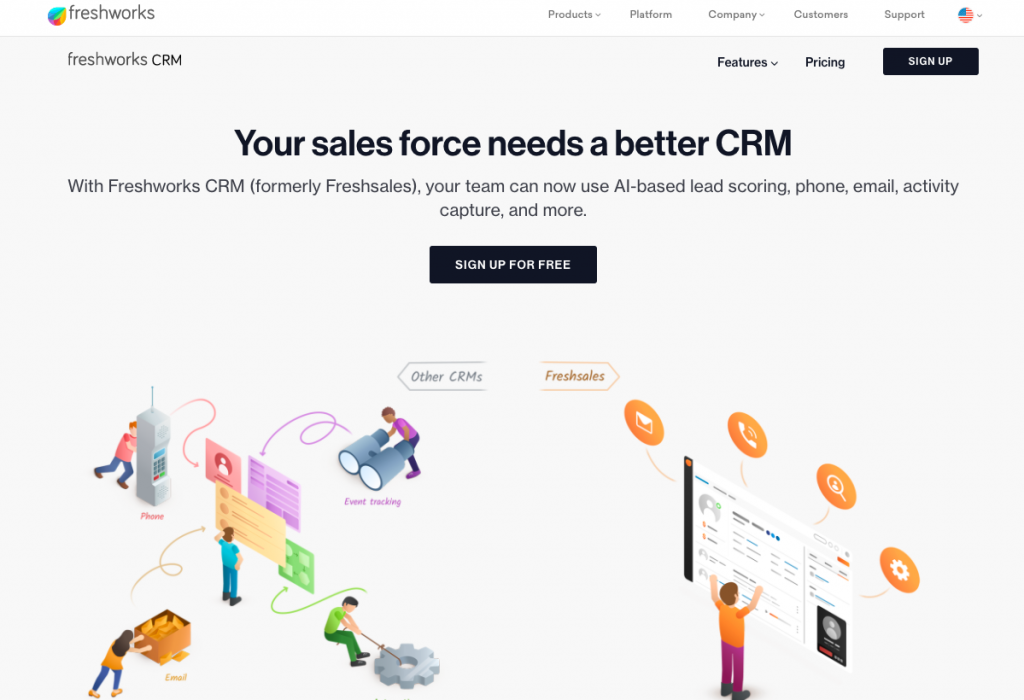
Freshworks CRM, now known as Freshsales, is a cloud-based customer relationship management (CRM) solution that helps companies of all sizes manage their leads with the use of AI. Freshsales combines sales automation, marketing automation, chat and telephone in the same platform. This platform enables you to attract leads, engage with them as well as close deals and nurture your customer relationships.
Key Features
- AI-powered features – Freddy AI captures, scores, and ranks leads.
- Client communication – Make calls, send emails, or start chats within the CRM.
- Custom features – Tailor modules, reports, and more to your company’s needs.
- 24/5 support – All tiers include customer assistance via email, chat, or phone.
Pricing
There are several pricing options available depending on your needs. Freshsales offer a free plan for getting started and trying out the marketing platform, with a pro account starting at $39/month/user with a range of CRM and sales tools including AI insights and email creation.
Best For
Teams that rely on multi-channel marketing including chat.
Zoho CRM
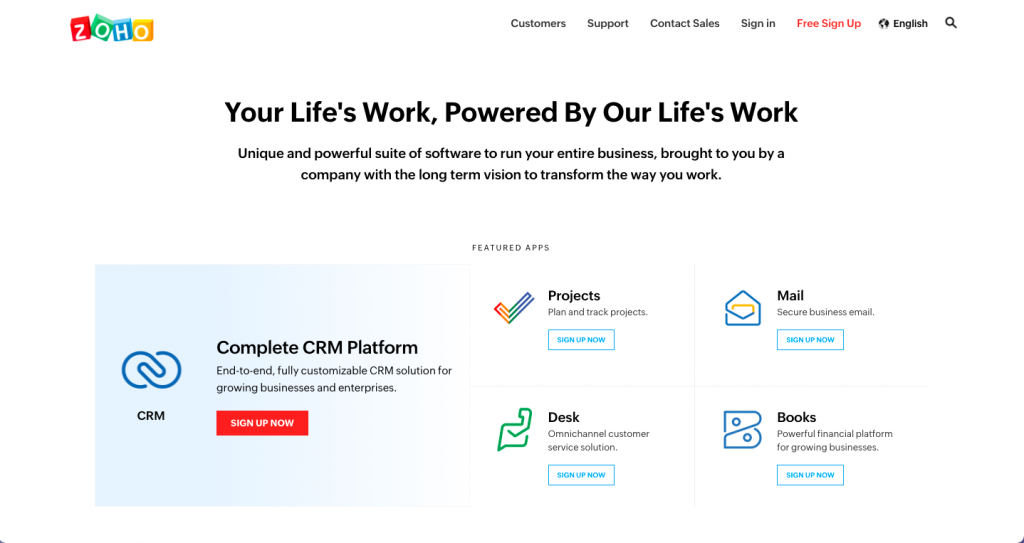
Zoho CRM is currently used by 250,000 different companies in 180 countries. This platform helps businesses convert more leads, engage with their customers with the final objective of growing their revenue.
By integrating with live chat software, email, and social media, you can set up real-time notifications to be in the know any time a lead or customer interacts with your business. The real-time reports and insights ensure you can have up-to-date data at your fingertips no matter your location.
Other features include the ability to automate workflows, manage contacts, and manage deals from stage to stage. You can also build a sales process for your real estate agents so that prospective buyers get a consistent experience regardless of the team member they work with.
Key features
- Multichannel Engagement – Connect with leads via email, live chat, social media, WhatsApp, Line, and more, all in one platform.
- AI-Powered Insights (Zia) – Suggests optimal engagement times, predicts outcomes, scores leads, and offers smart follow-up recommendations.
- Sales Process Management – Build and automate workflows, manage deals through custom pipelines, and ensure consistent customer experiences.
- Advanced Forecasting – Utilize top-down and bottom-up forecasting methods, with custom periods and multi-user involvement.
- Collaboration Tools – In-app chat via Zoho Cliq and Microsoft Teams integration keep internal communications fluid.
- Customization and Extensibility – Customize layouts, modules, and dashboards. Use Zoho’s low-code tools or integrate with over 800 apps including Slack, G Suite, and Dropbox.
Pricing
Zoho offers several different pricing options, with a free basic option and plans with email and workflow capabilities starting at $14/month/user.
Best For
Small Teams & Solo Brokers.
Foundry

Foundry CRM is a cloud-based, all-in-one platform designed specifically for commercial real estate professionals. Unlike traditional subscription-based CRMs, Foundry offers a one-time purchase model, granting users full ownership of the software, database, and source code. This approach provides unparalleled control over customization, data security, and long-term cost savings.
The platform combines CRM, deal management, property tracking, and marketing tools into a single, intuitive interface, enabling brokers and teams to manage their operations efficiently without recurring subscription fees.
Key Features
- Comprehensive Deal and Property Management – Track deals, properties, and associated contacts seamlessly, with linked records for easy navigation.
- Intuitive User Interface – Designed with a “two-click” philosophy, ensuring users can access any function within two clicks, enhancing productivity.
- Customizable Dashboards and Reporting – Access real-time dashboards displaying communications, tasks, and deal statuses, with support for SQL-based custom reporting.
- Task and Contingency Tracking – Manage tasks, contingencies, and escrow processes with assignment capabilities and calendar integrations.
- Marketing Integration – Generate marketing materials directly within the platform, including PowerPoint presentations, to support property promotions.
- Data Ownership and Security – Users retain full ownership of their data and source code, ensuring complete control and security.
- Scalability – Suitable for individual brokers to large enterprises, with support for unlimited users and records.
Pricing
Foundry CRM adopts a one-time purchase pricing model:
- License Fee: $2,000 per user (one-time payment)
- Annual Hosting: $240 per user
Foundry also provides flexible payment plans and guarantees a return on investment (ROI) in less than two years for most clients.
Best For
Teams looking for a one-time payment model.
Pipedrive

Pipedrive is a sales-focused CRM designed to streamline the sales process for teams of all sizes. With its intuitive interface and customizable pipelines, Pipedrive helps sales professionals manage leads, track communications, and automate repetitive tasks, allowing them to focus on closing deals. Trusted by over 100,000 companies across 179 countries, Pipedrive offers a scalable solution that adapts to various business needs.
Key Features
- Visual Sales Pipelines – Customize and manage multiple sales pipelines with a drag-and-drop interface, providing clear visibility into deal progress.
- Email Integration – Sync with Gmail, Outlook, and other email providers to track communications, schedule emails, and use templates for consistent messaging.
- Workflow Automation – Automate routine tasks such as lead assignment, follow-up reminders, and email sequences to increase efficiency.
- AI Sales Assistant – Receive intelligent recommendations on which deals to prioritize, optimal times to contact leads, and insights to improve sales strategies.
- Reporting and Analytics – Generate customizable reports and dashboards to monitor sales performance, forecast revenue, and identify areas for improvement.
- Mobile App – Access CRM functionalities on-the-go with Pipedrive’s mobile application, ensuring you’re always connected to your sales data.
- Integrations – Connect Pipedrive with over 400 apps, including Zoom, Slack, Trello, and more, to create a unified sales ecosystem.
Pricing
Pipedrive offers a range of tiers to suit different business requirements. Their essential plan starts at $24/month/user.
Best For
Small Teams & Solo Brokers.
Final Recommendations: Which CRM Should You Choose?
There is no universal best CRM for commercial real estate.
The right platform depends on your team size, workflow complexity, marketing process, reporting needs, and existing technology stack.
Choose Salesforce or a Microsoft Dynamics-based platform if you need enterprise-level customization and have the resources to manage it.
Choose a CRE-specific CRM if your brokerage needs contact, property, and deal workflows built around commercial real estate.
Choose a lightweight CRM if your team mainly needs simple contact, task, and pipeline management.
Choose SharpLaunch if your biggest gap is connecting property marketing activity, lead capture, engagement tracking, and broker follow-up.
The best CRM is not the one with the longest feature list. It is the one that helps your team capture the right data, act on it quickly, and build stronger relationships across every property, prospect, and deal.

Need a Better Way to Manage CRE Leads?
Upgrade to a CRM designed for brokers—track leads, market properties, and close faster without the chaos.
See how it works →FAQ
What exactly is a real estate CRM?
A real estate CRM is software that helps CRE teams manage contacts, companies, properties, deals, tasks, notes, and relationship history. Some CRMs are built specifically for CRE, while others are general CRM platforms customized for CRE workflows.
Do commercial real estate teams need a CRE-specific CRM?
Not always. CRE-specific CRMs can be helpful when teams need property, lease, deal, and broker workflows out of the box. However, some teams may be better served by a general CRM, enterprise CRM, or marketing-led lead management platform depending on their needs.
Is Salesforce a good CRM for commercial real estate?
Salesforce can be a strong CRM for commercial real estate teams that need customization, reporting, integrations, and enterprise scalability. It usually requires configuration to support CRE-specific workflows.
Is HubSpot good for commercial real estate?
HubSpot can be useful for CRE teams that want marketing automation, CRM, sales tools, and reporting in one platform. It is not built specifically for CRE, so property and deal workflows may require customization.
What is the best CRM for commercial real estate?
The best CRM depends on your needs. Some platforms focus on brokerage workflows, while others are better for investors or property managers. Key factors you should consider include features, ease of use, and integrations.
How does SharpLaunch compare with a traditional CRM?
SharpLaunch is focused on commercial real estate marketing and lead management. It helps teams capture property website inquiries, track engagement, manage lead activity, and report on marketing performance. It can complement traditional CRMs like Salesforce, HubSpot, or Apto.
Related Blog Posts
CRE Technology
How to Choose a Commercial Real Estate CRM
In commercial real estate, relationships drive everything. Deals often take months to close,...
CRE Technology
Commercial Real Estate Marketing Software: 2026 Comparison
CRE marketing teams rarely rely on one commercial real estate marketing software to do...
CRE Technology
6 Things You’re Missing If You’re Not Using A CRE Marketing Software
Embracing marketing technology is undeniably critical for any modern commercial real estate...