Marketing Best Practices
Commercial Real Estate Flyers: Examples, Templates & Best Practices
Last updated
Table Of Contents
Share post


A listing is only as good as the first impression it makes, and for most tenants, buyers, and investors, that first impression is still a flyer.
Not a website. Not an email. A one- or two-page PDF with a photo, a headline, and the numbers someone needs to decide whether a property is worth a second look. Brokers email it, print it for tours, attach it to LoopNet and CoStar listings, and hand it out at open houses.
It’s one of the most commonly produced pieces of collateral in commercial real estate marketing, and it’s often one of the easiest to underestimate.
This guide covers what a commercial real estate flyer actually needs to include, the different types you’ll create depending on the deal, how to design one that holds up in print and on a phone screen, and how to build and update flyers faster without relying on a designer every time.
What Is a Commercial Real Estate Flyer?
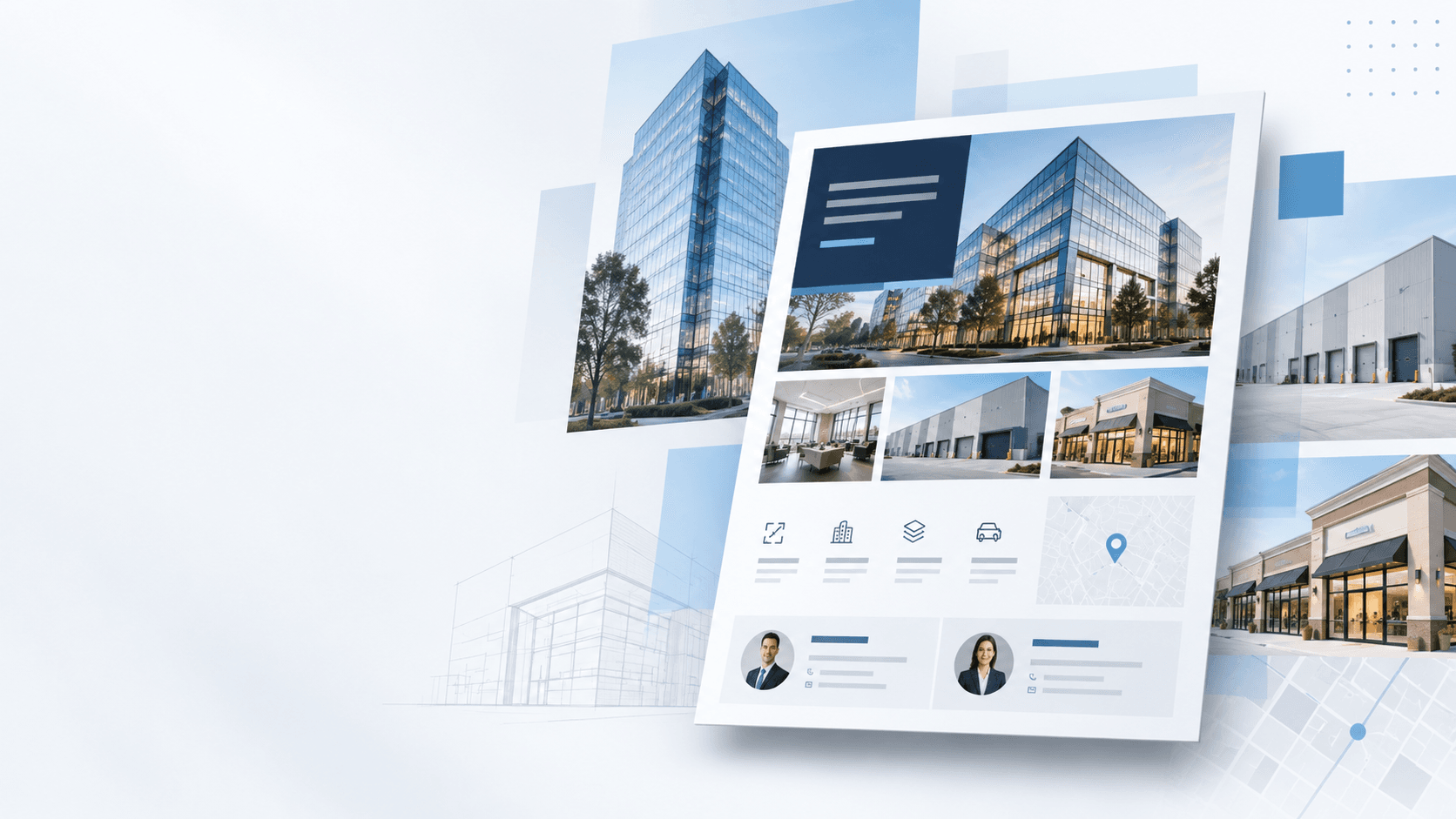
A commercial real estate flyer is a one- or two-page marketing document that summarizes a property for sale or lease.
It typically includes property photos, key stats such as square footage, price, cap rate, or lease rate, location details, and broker contact information, all designed to be scanned quickly and shared anywhere: email, print, listing portals, or a tour packet.
It’s easy to confuse a flyer with two other common CRE marketing documents, but each serves a different purpose:
- Flyer – A short, highly scannable marketing piece designed to answer: “Is this property worth a closer look?”
- Offering Memorandum (OM) – A much longer document, often 10 to 30-plus pages, with detailed financials, market analysis, tenant information, and deal terms. It’s built for a buyer or investor who is already interested and needs a deeper view.
- Brochure – Typically sits somewhere between the two, with more visual storytelling and property detail than a flyer, but less financial depth than an OM.
Most listings need a flyer first. It’s the low-friction asset that gets a property in front of the widest audience, and it’s often what determines whether someone clicks through to the property website or requests more information.

Why Flyers Still Matter in CRE Marketing
It’s a fair question in 2026: with property websites, listing portals, and digital marketing doing so much of the heavy lifting, do flyers still matter?
Yes.
A flyer solves a problem none of those channels solve on their own: portability.
It’s the one asset that works almost identically whether it’s attached to an email, printed for a property tour, shared internally with a client, or uploaded to a listing portal.
It doesn’t require a link click, a page load, or an internet connection.
That also makes it one of the fastest ways for a prospect to understand the basic opportunity.
Within a few seconds, someone should be able to answer:
- What is the property?
- Where is it?
- Is it for sale or lease?
- What are the key numbers?
- Why should I care?
- Who do I contact?
That’s why flyers and offering memorandums remain one of the most requested assets in CRE marketing software and one of the first pieces of collateral a new listing typically needs before broader marketing begins.
What to Include in a Commercial Real Estate Flyer
The specifics change by property type, but nearly every effective CRE flyer includes the same core elements:
| Element | Why it matters |
|---|---|
| Hero photo or rendering | The first thing most people notice. Use the sharpest, most current image of the property or space. |
| Property name and address | Should be prominent enough that someone can identify the property immediately. |
| Headline / property type | “For Lease,” “For Sale,” or a specific positioning line such as “Class A Office, Available Now.” |
| Key stats | Square footage, price or lease rate, cap rate, lot size, zoning, year built, or other property-specific metrics. |
| Site plan or floor plan | Especially useful for retail, industrial, office, and multi-tenant properties. |
| Location context | A map, nearby landmarks, traffic counts, demographics, or access points that explain why the location matters. |
| Broker contact information | Name, phone, email, headshot, and brokerage logo. Make it easy to reach the right person. |
| QR code or link | Directs prospects to the property website, virtual tour, downloadable documents, or additional listing information. |
The exact emphasis should change depending on the audience.
For example, an industrial flyer may prioritize clear height, dock doors, power, yard space, and highway access. A retail flyer may put more emphasis on traffic counts, demographics, neighboring tenants, and signage. An investment sale flyer may focus on cap rate, NOI, tenancy, and lease terms.
The goal is not to include every available detail. It’s to include the details that are most likely to create interest.
Design Best Practices
A flyer has one job: get scanned and understood in a few seconds.
A handful of design habits separate the flyers that do that well from the ones that get skimmed past.
- Lead with the photo, not the text. The hero image should take up meaningful visual space. It’s usually the element that stops the scroll or the skim.
- Keep the hierarchy obvious. Property name and headline first, key stats second, supporting details below. If every element has the same visual weight, nothing stands out.
- Match your brand across every listing. A prospect who sees flyers from multiple brokers on the same team should still recognize the company. Consistent fonts, colors, logo placement, and layout conventions matter.
- Design for both print and digital from the start. A flyer should look sharp as a printed PDF and still be legible when viewed on a laptop or phone.
- Use white space. Trying to fill every inch of the page makes the flyer harder to scan. Give important information room to breathe.
- Build in update-ability. Prices change, spaces get leased, photos are replaced, and broker assignments shift. Your flyer should be easy to update without rebuilding it from scratch.
That last point is where many manual flyer workflows start to break down.
A static design file may work perfectly on day one, but once the asking rent changes or a suite is leased, someone has to find the source file, make the edit, re-export the PDF, and replace the old version everywhere it has been distributed.
For one property, that’s manageable. Across dozens or hundreds of listings, it quickly becomes a workflow problem.
How to Create a Commercial Real Estate Flyer
A simple workflow looks like this:
Step 1: Identify Your Audience
Start by deciding who the flyer is for, such as tenants, investors, buyers, brokers, or developers.
Different audiences care about different things. Tenants may focus on rent, amenities, and floor plans, while investors may care more about pricing, tenancy, and financial performance.
Your audience should determine which information gets the most attention.
Step 2: Determine the Main Selling Points
Identify the three to five strongest reasons someone should care about the property.
These could include location, pricing, access, amenities, tenancy, renovations, or development potential.
Make these points prominent rather than simply listing every available property detail.
Step 3: Gather Your Property Assets
Collect the materials you need before starting the design, including:
- Property data
- Photography
- Floor plans
- Site plans
- Maps
- Broker information
- Branding
Make sure the information is current and the images are high quality.
Step 4: Choose a Flyer Layout
Select a format that fits the property and the amount of information you need to communicate.
A simple opportunity may only need one page, while a more complex property may benefit from two to four pages.
The layout should make it easy to understand the property, its main benefits, and the next step.
Step 5: Create the Flyer
Build the flyer using a general design tool or commercial real estate marketing software.
Focus on clear hierarchy, strong imagery, consistent branding, and easy-to-scan property information.
For teams creating flyers at scale, dynamic templates can also reduce manual data entry and improve consistency by pulling property details directly into predefined layouts.
Step 6: Review the Information
Before publishing, verify important information such as:
- Availability
- Pricing
- Square footage
- Broker contact information
- Property specifications
- Links and QR codes
Also check for low-resolution images, formatting issues, outdated information, or anything that may be difficult to read on a smaller screen.
Step 7: Publish and Distribute
Export the flyer as a high-quality PDF and distribute it through email, broker outreach, property websites, listing portals, social media, print materials, and property tours.
Whenever possible, use the flyer as an entry point rather than the final destination.
Direct prospects to a property website where they can access more photos, floor plans, virtual tours, documents, availability, and contact information.
Create Professional Commercial Real Estate Flyers Faster
Property flyers may be one of the oldest forms of commercial real estate marketing, but they remain an important part of how properties are presented and distributed.
The challenge isn’t simply creating a good-looking flyer.
It’s creating professional, accurate, on-brand marketing materials efficiently across every property your organization represents.
Traditional design tools such as PowerPoint, Canva, or Adobe InDesign can work well for individual properties, but they often require teams to manually copy the same property information into multiple places.
That becomes harder to manage as the number of listings grows.
A more scalable approach is to connect your flyer templates directly to your property data.
Instead of re-entering the same address, photos, descriptions, amenities, broker information, and property details each time, those elements can automatically populate into branded templates.
This makes it easier to:
- Create new flyers faster
- Maintain consistent branding
- Reduce repetitive data entry
- Keep property information accurate
- Update marketing materials when listing details change
SharpLaunch helps CRE teams create custom flyers, Offering Memorandums, sales teasers, and listing packages using professional templates and property data already stored in the platform.
Learn more about SharpLaunch’s Commercial Real Estate Flyer Design Tool →
What is SharpLaunch?
SharpLaunch is an all-in-one CRE marketing platform to help you streamline your marketing efforts and modernize your digital presence.
Frequently Asked Questions (FAQ)
What is a commercial real estate flyer?
A commercial real estate flyer is a marketing document used to promote a commercial property for sale or lease. It typically contains property photos, availability, key specifications, location information, selling points, and broker contact information.
What should be included on a commercial real estate flyer?
Most CRE flyers should include the property name and address, a clear description of the opportunity, property photos, key highlights, availability or pricing information, location details, and broker contact information. Floor plans, maps, demographics, and financial details can be added when relevant.
What software can you use to create commercial real estate flyers?
CRE teams commonly use general design tools such as Adobe InDesign, Canva, PowerPoint, and Word, as well as specialized commercial real estate marketing platforms like SharpLaunch. Specialized software can reduce manual work by connecting property data directly to branded flyer templates.
Can commercial real estate flyers be automatically generated?
Yes. Commercial real estate marketing platforms can use property data to automatically populate flyer templates with information such as descriptions, photos, amenities, maps, and broker information. This allows marketing teams to create and update materials without repeatedly re-entering the same property data.
Related Blog Posts
Marketing Best Practices
Commercial Real Estate Lead Generation: The Complete Guide 2026
Commercial real estate lead generation has changed. Today, tenants, investors, and buyers...
Marketing Best Practices
Commercial Real Estate Offering Memorandum Guide + Template
In the fast-paced world of commercial real estate investment sales, an Offering Memorandum...
Marketing Best Practices
Commercial Real Estate Marketing Strategy: A Complete Guide for 2026
More than 80% of commercial real estate tenants and investors start their search online. If...